


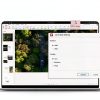

Description
Product Overview
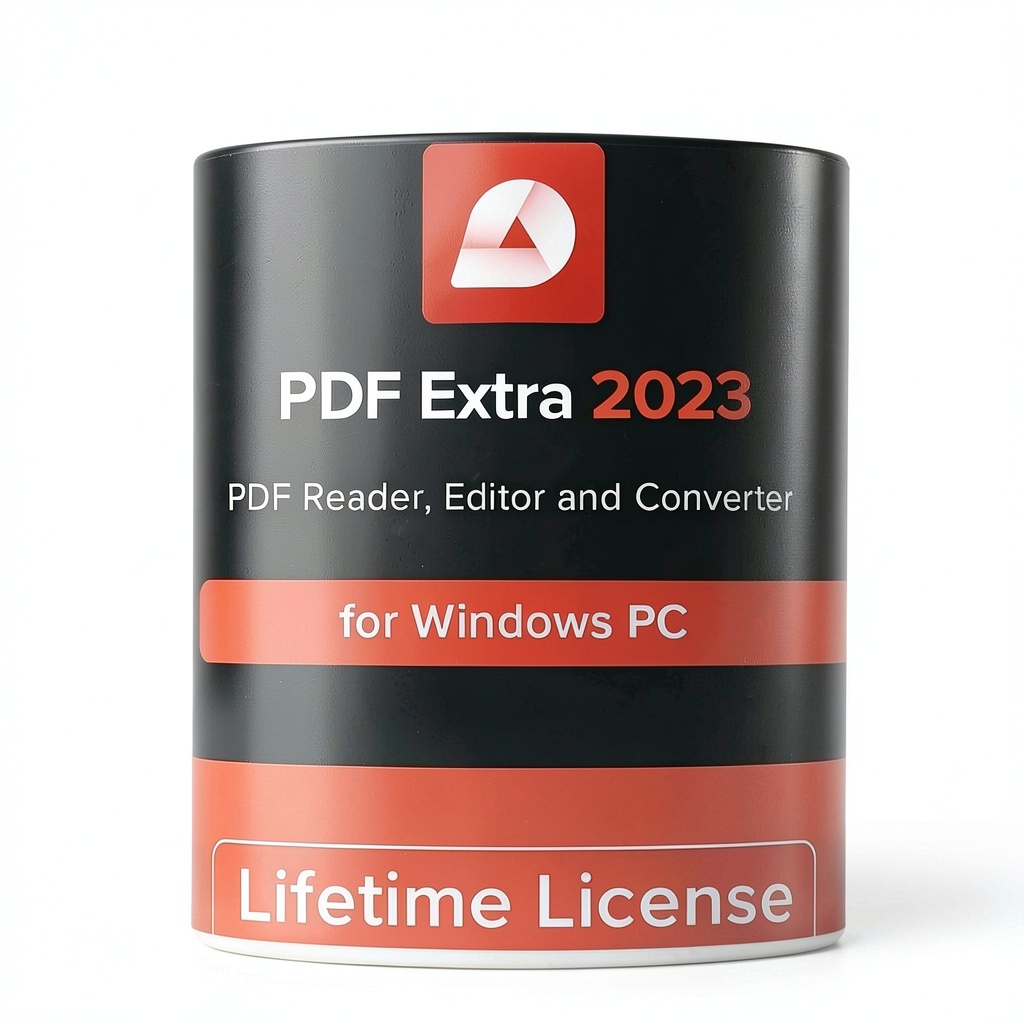
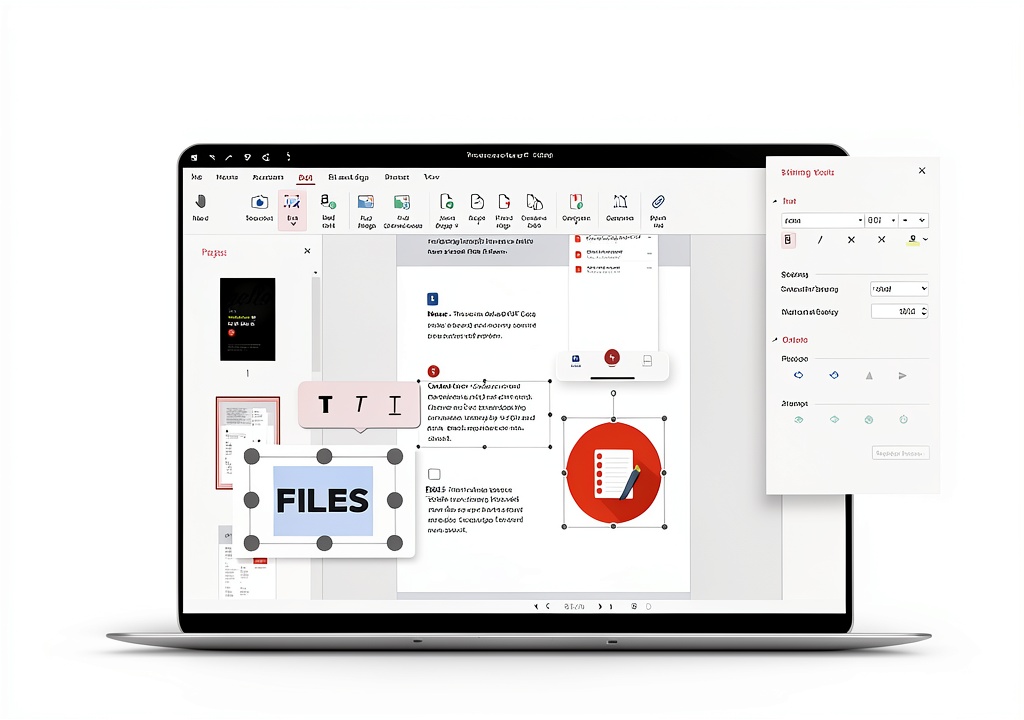
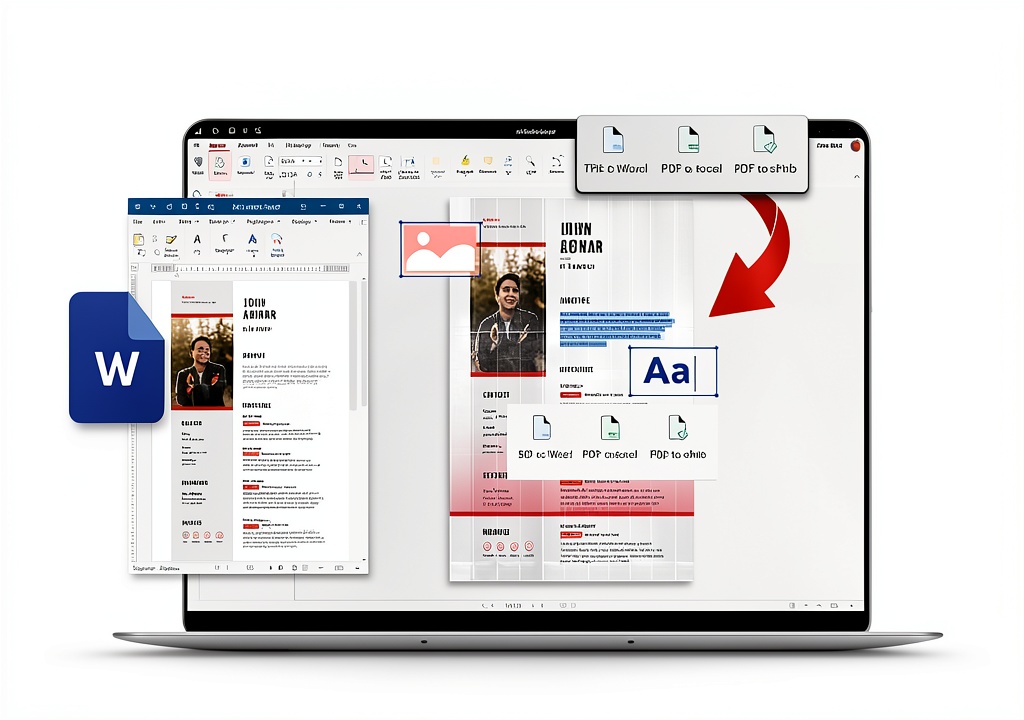
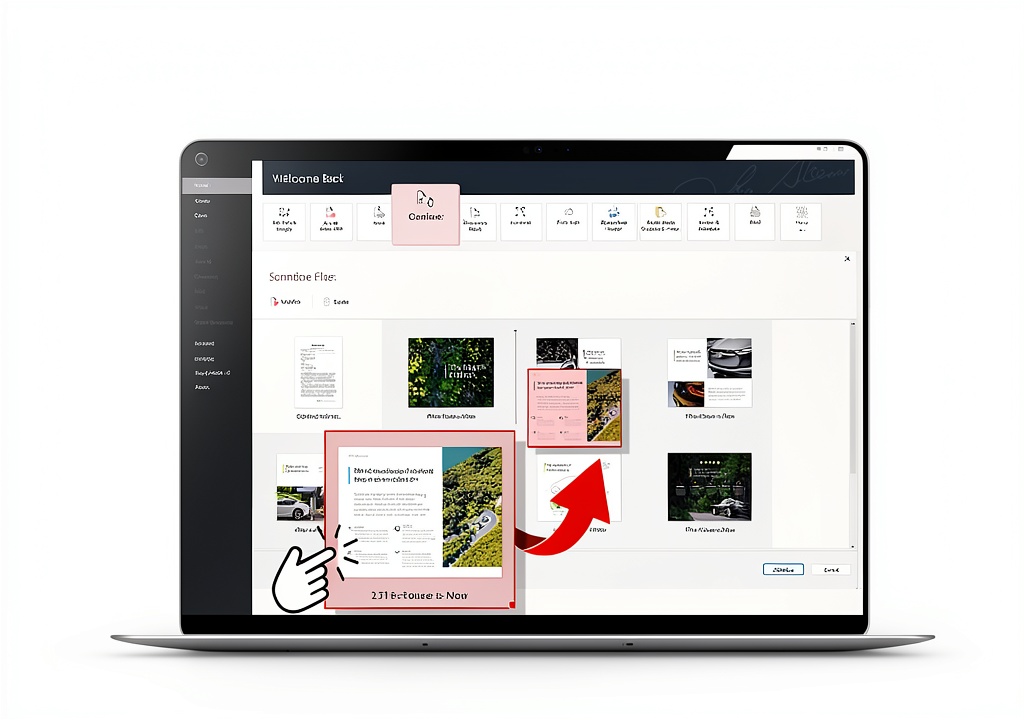
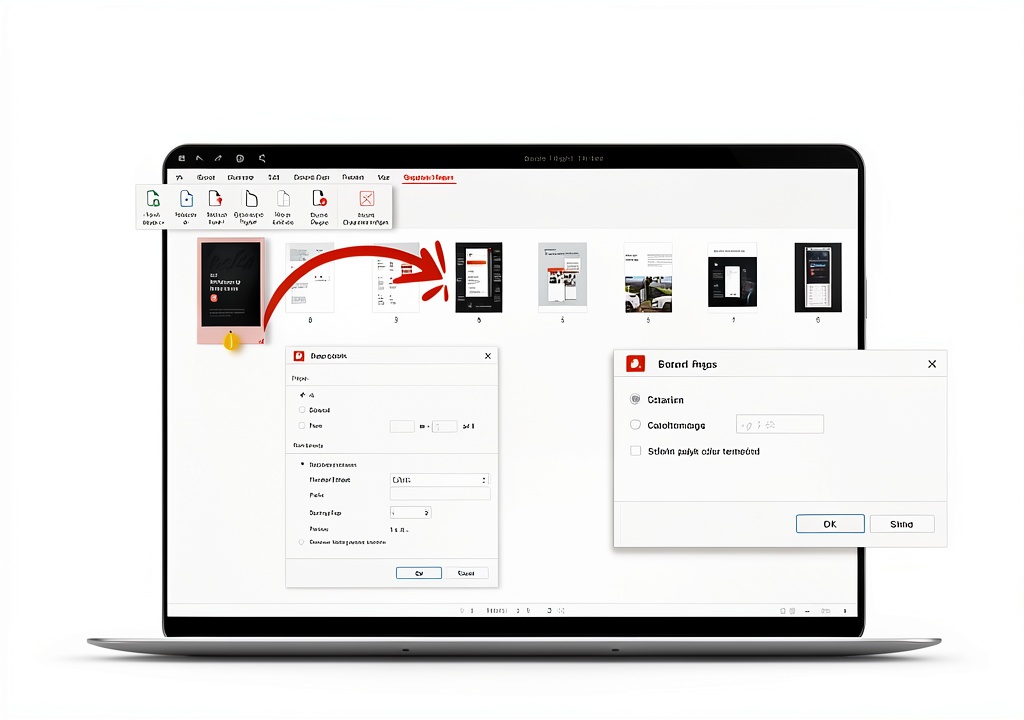
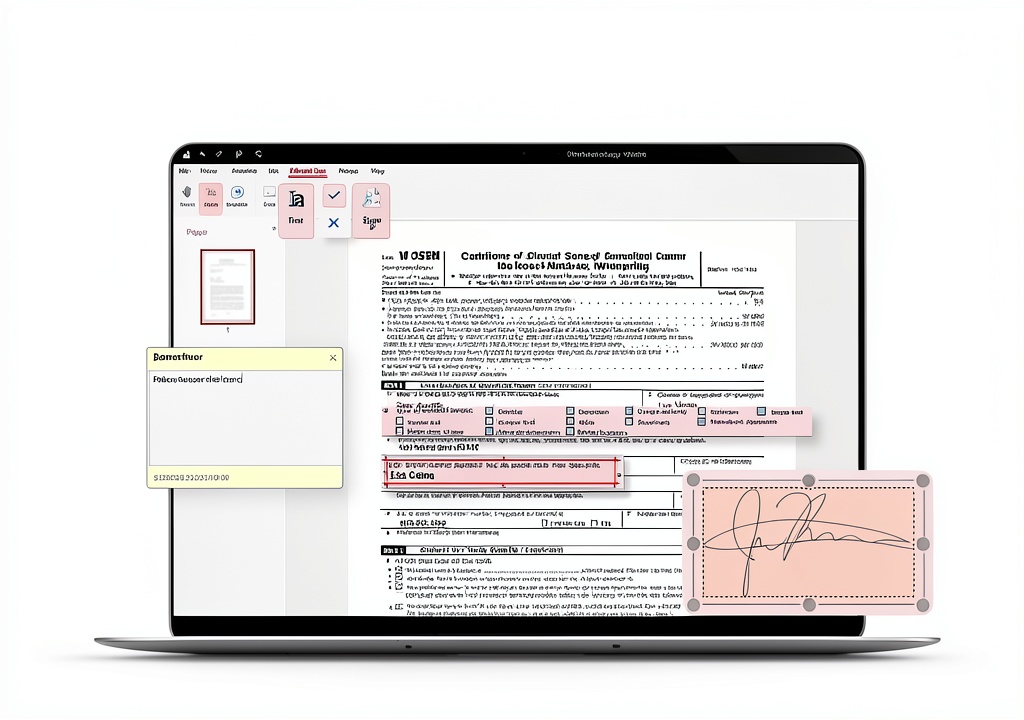
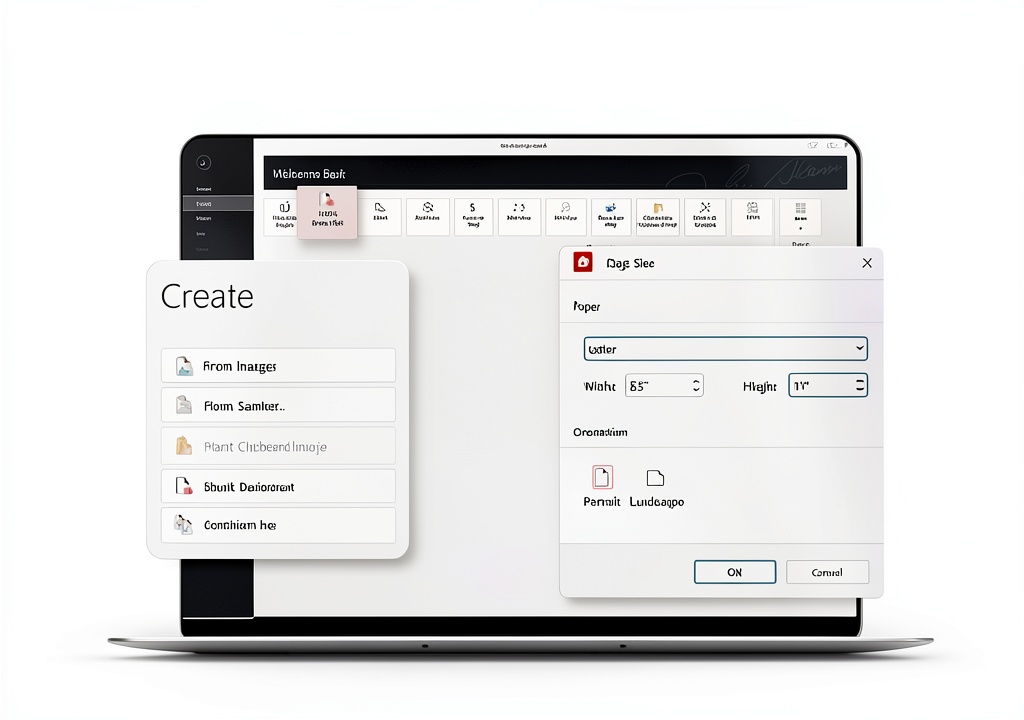
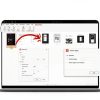
PDF Extra 2023 Professional Editor is a comprehensive PDF solution designed for Windows users, offering robust editing, conversion, and security features. This lifetime license includes tools to modify text, images, and layouts, convert PDFs to Word, Excel, and ePub formats, and add annotations or digital signatures. It supports fillable forms, provides 5GB of MobiDrive cloud storage, and integrates with popular cloud services like Dropbox and Google Drive. With an intuitive interface, it ensures seamless document management for personal or business use.
Usage
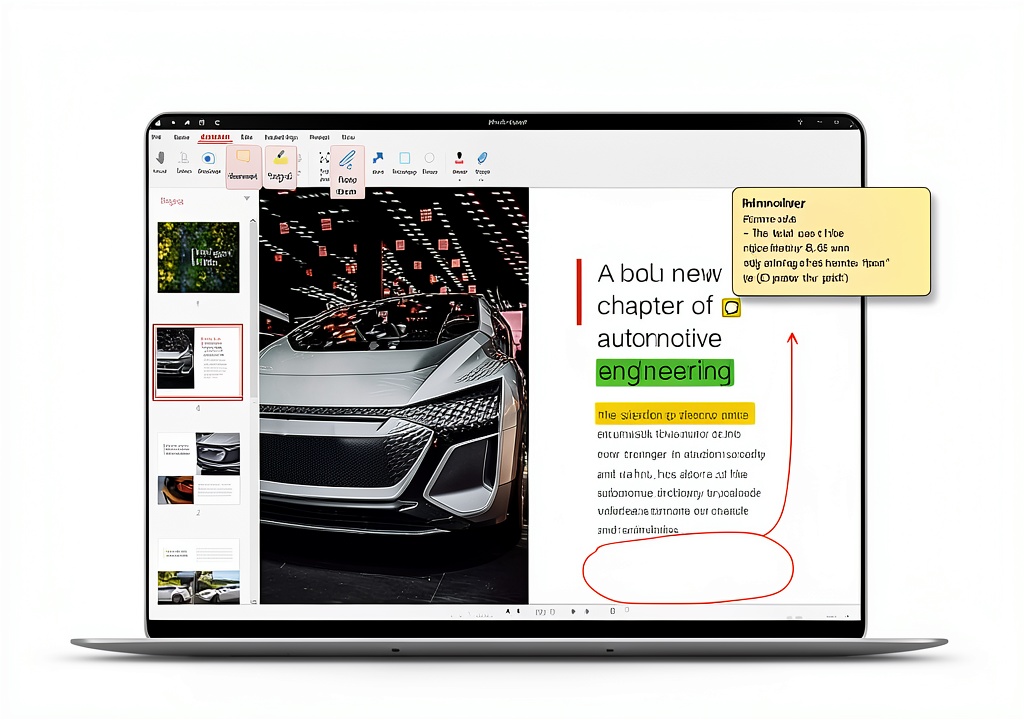
PDF Extra is ideal for professionals, students, and businesses working with documents on Windows PCs or laptops. Use it to edit contracts, annotate reports, fill out forms, or sign agreements in office, educational, or remote settings. Its cloud compatibility allows access from anywhere, making it perfect for collaborative projects or individual tasks that require reliable PDF handling.
Why Choose Us
PDF Extra stands out with its lifetime license, eliminating recurring subscription fees and providing perpetual access to all features. The software combines advanced editing capabilities with user-friendly design, ensuring high performance without complexity. Backed by MobiSystems’ expertise, it offers reliable support and regular updates, giving you a cost-effective and dependable PDF solution for long-term use.
Key Features
- Edit PDF text, images, and designs with precision and ease
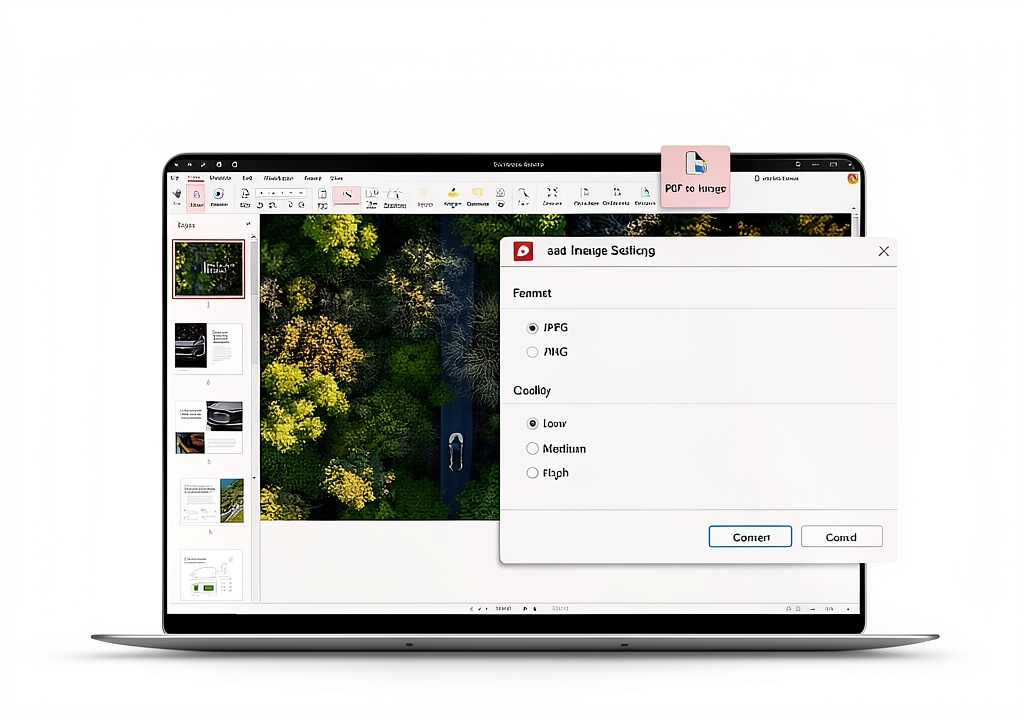
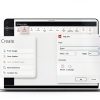
- Convert documents to Word, Excel, and ePub formats seamlessly
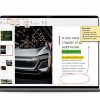
- Annotate and comment using highlights, sticky notes, and markups
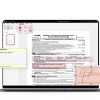
- Fill and sign PDF forms digitally with saved or drawn signatures
- Access 5GB cloud storage and integrate with Dropbox or Google Drive
FAQ
What is included in the lifetime license?
The lifetime license grants perpetual access to PDF Extra Professional Editor for one Windows PC, with no expiration or additional fees, including all current and future features.
Can I use PDF Extra on multiple devices?
No, the license is valid for one Windows PC or laptop only, but you can access your files via cloud storage on other devices for viewing.
Does it support converting PDFs to editable formats?
Yes, PDF Extra allows conversion to Word, Excel, and ePub while preserving formatting and content for easy editing.
Is internet required to use the software?
Internet is not required for basic functions, but cloud storage and integrations need connectivity for file synchronization.
How do I get updates after purchase?
Updates are provided free of charge through the software’s built-in update mechanism, ensuring you always have the latest features.
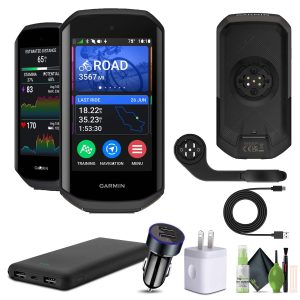
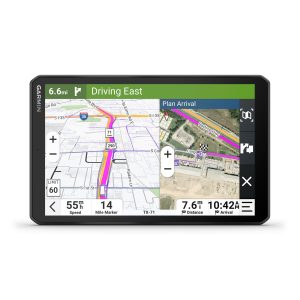
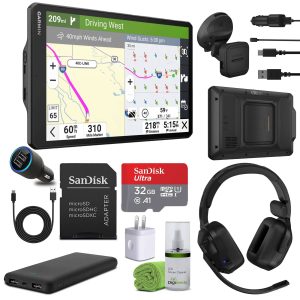 Garmin Dezl OTR1020 GPS Truck Navigator 10 Inch Professional
Reviews
There are no reviews yet.