




Description
Product Overview
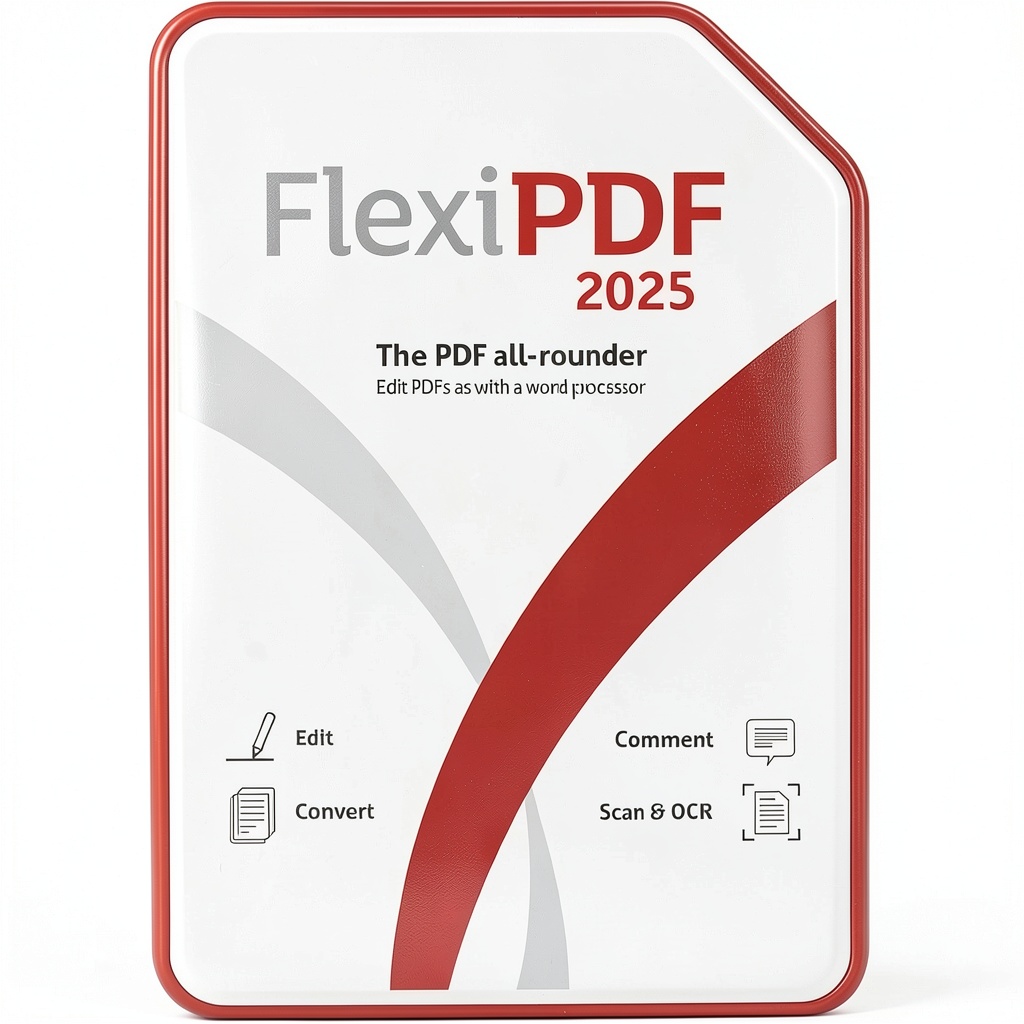
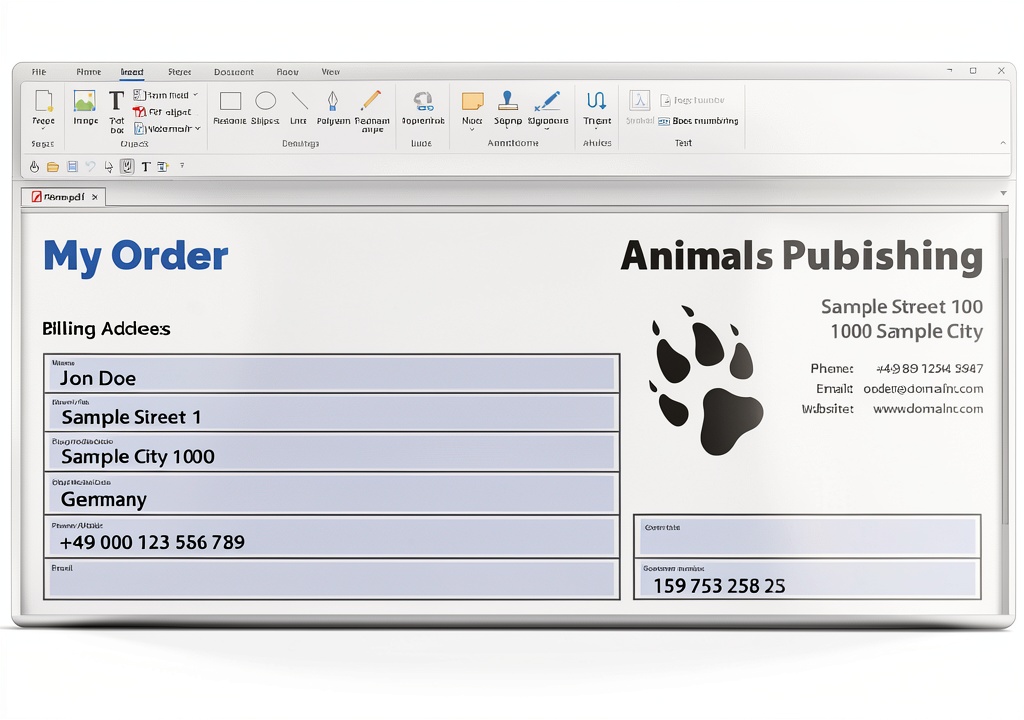
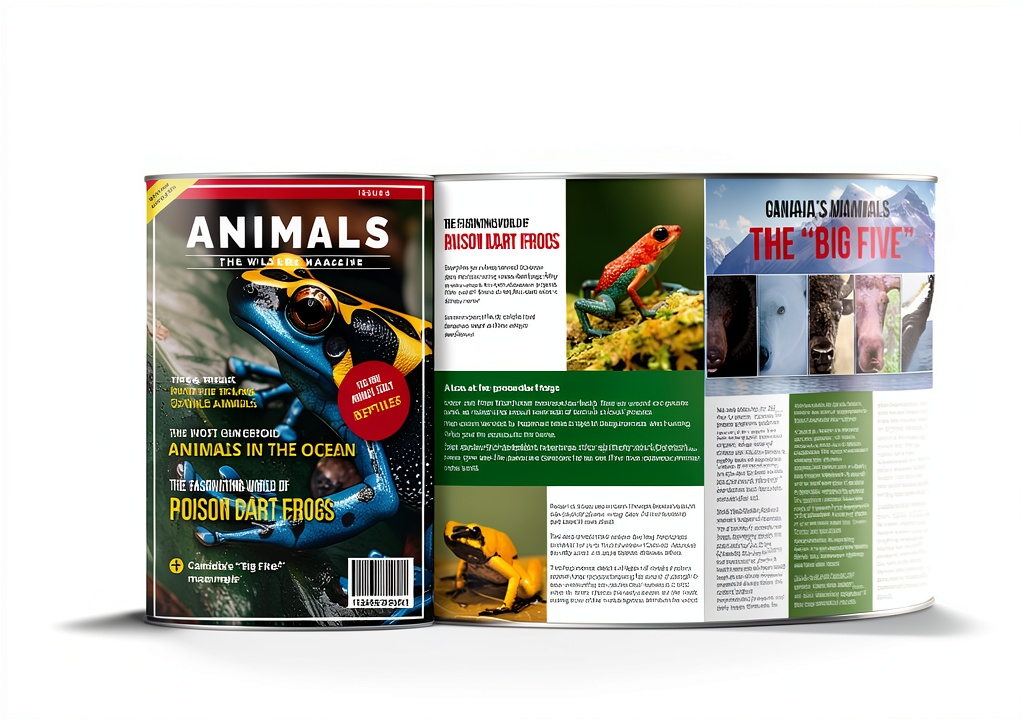
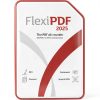
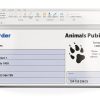
SoftMaker FlexiPDF 2025 is a comprehensive PDF editing software designed for Windows, offering intuitive tools to create, modify, and manage PDF documents. It enables text editing similar to a word processor, along with image and drawing adjustments, making it easy to update documents without starting from scratch. The software supports exporting PDFs to various formats, including TextMaker, Microsoft Word, HTML, and EPUB, ensuring compatibility and flexibility for different workflows. With optical character recognition (OCR), it converts scanned pages into editable and searchable PDFs, while features like digital signing, document comparison, and content protection enhance security and efficiency. This version includes a license for three devices in the same household for noncommercial use or one for commercial purposes, providing long-term access without hidden costs.
Usage
FlexiPDF 2025 is ideal for a variety of environments, from home offices to business settings, where users need to handle PDF documents regularly. It suits professionals such as administrators, writers, and educators who require efficient editing, conversion, and archiving of files. Common occasions include preparing reports, converting scanned documents into editable text, adding digital signatures for authentication, and merging multiple PDFs into a single file. The target audience encompasses individuals and small businesses seeking a reliable, one-time purchase solution for noncommercial or light commercial use, emphasizing ease of use and broad functionality without subscription fees.
Why Choose Us
FlexiPDF 2025 stands out with its user-friendly interface that mirrors word processing, reducing the learning curve and boosting productivity. Unlike many competitors, it offers a perpetual license with no recurring charges, ensuring cost-effectiveness and long-term value. The software includes advanced features like OCR for scanned documents and PDF comparison tools, which are often premium add-ons elsewhere. Backed by SoftMaker’s reputation for quality software, it provides robust performance and regular updates, focusing on reliability and customer satisfaction without exaggerated claims.
Key Features
- Edit text, images, and drawings in PDFs with ease, similar to a word processor.
- Export PDFs to formats like Microsoft Word, HTML, and EPUB for versatile use.
- Convert scanned pages into editable PDFs using automatic OCR technology.
- Add digital signatures to verify document authenticity and security.
- Merge, protect, and redact PDFs to manage content efficiently and safely.
FAQ
How many devices can I install FlexiPDF 2025 on?
You can install it on up to three PCs in the same household for noncommercial use, or on one PC for commercial purposes, as per the license terms.
Does FlexiPDF 2025 support converting PDFs to editable formats?
Yes, it allows exporting PDFs to TextMaker, Microsoft Word, HTML, and EPUB, making it simple to repurpose content for different applications.
Can I edit scanned PDF documents with this software?
Absolutely, the built-in OCR feature automatically recognizes text in scanned pages, converting them into searchable and editable PDF files.
Is there a recurring fee for using FlexiPDF 2025?
No, it comes with a one-time purchase license that grants lifetime access to all features, with no hidden or ongoing costs.
What types of forms can I create with FlexiPDF?
You can create interactive forms including checkboxes, dropdown lists, and input fields, enabling dynamic document interactions for surveys or applications.
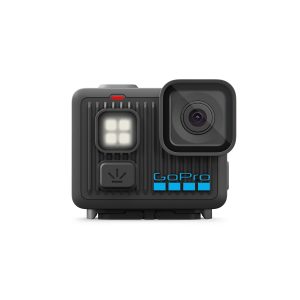 GoPro HERO LIT Action Camera 4K Video Stabilization
 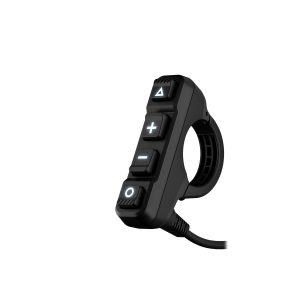 Garmin Handlebar Controller Rugged Motorcycle GPS Accessory
 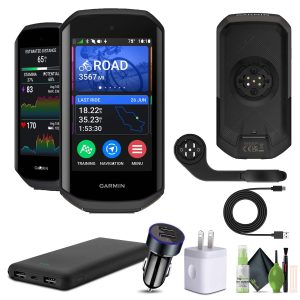 Garmin Edge 1050 Cycling Computer Vivid Touchscreen Bundle
Reviews
There are no reviews yet.